










NFC business cards can make it easier for someone to find your details after a first meeting. A good conversation introduces your business, but staying connected depends on what happens afterwards.
Perhaps they put your paper business card in a pocket, searched your name later or tried to remember which social account belonged to you. Each extra step creates another opportunity for the connection to fade.
NFC business cards offer a practical way to share contact details during that first conversation. By holding a reusable card near a compatible smartphone, you can give someone access to an online profile containing your business information.
Before switching, however, it helps to understand how these cards work, what to compare and how to make the experience useful for the person receiving your details.
1. Understand how NFC business cards work
NFC stands for near-field communication, a technology that allows compatible devices and tags to exchange information over a short distance. The NFC Forum’s technical overview explains that NFC tags can contain information such as web addresses and contact details. Passive tags can operate without their own battery.
For a business card linked to an online profile, the process typically involves holding the card’s NFC area near the phone’s reader, then opening the notification that appears.
The phone opens a webpage containing the cardholder’s information. Depending on the provider, this may include a phone number, email address, website, social accounts and an option to save the contact.
Opening a profile does not necessarily save the details automatically. The recipient may still need to select a save button and confirm the action on their phone.
Think of NFC business cards as a connection between an introduction and a useful destination. Before ordering, ask the supplier to demonstrate a real profile on a phone similar to the ones your customers use. Watch the complete process, including the notification, webpage and contact-saving step.
For NFC business cards that open a website, the tap and the website are separate parts of the experience. A phone may detect the tag successfully while a weak internet connection delays the page. Test both stages, and keep a simple alternative available when someone has poor reception.
Ask what the card actually contains: a profile address, a direct website link or a contact record. These arrangements can behave differently when details change. A demonstration is more useful than assuming that every supplier uses the same setup.
When testing NFC business cards, begin with one phone, follow the supplier’s instructions and repeat the exchange without coaching the recipient. Notice which step needs explanation. Your goal is an exchange that feels comfortable during a normal conversation.
2. Give your digital profile a clear purpose
Before choosing NFC business cards, decide what should happen after someone opens your profile.
A photographer might want a potential client to view a portfolio. A tradesperson might prioritise a phone call or quote request. An event professional might need to share a direct email address and company website.
That purpose should guide the page.
Place your name, business and main contact option where they are easy to find. Add a short description explaining what you do, followed by the most relevant supporting links.
A profile does not need every account you have ever created. Too many buttons can leave the visitor unsure where to begin. Choose the information that helps someone continue the conversation you have just started.
Start by writing one sentence that describes the person you usually meet and what they are likely to need. For example: “A homeowner wants to see our services and request an estimate.” That sentence gives you a way to judge every button on the profile.
For a service business, NFC business cards might open a profile with a prominent call button, a brief description of the service area and a link to an enquiry form. A designer may instead place a portfolio and project enquiry link first. These are suggested layouts, not features that every platform includes.
Keep important information visible without a long search. Use descriptive labels such as “View recent projects” or “Request an estimate.” A visitor should understand the destination before opening it.
Review NFC business cards with someone outside your business. Ask that person what you do and how they would contact you after looking at the profile. Their answer can reveal unclear wording that you have stopped noticing.
3. Keep NFC business cards useful as details change
One useful feature of a card linked to an editable profile is the ability to change online details while keeping the same physical card.
For example, a business owner might update a phone number, replace a booking link or add a new website. If the card continues opening the same profile address, those changes can appear without replacing the card.
However, online updates do not change physical printing or engraving. A name, title or number engraved on the card remains there.
Before approving a design, consider which details are likely to stay the same. A business logo may remain useful longer than a particular job title. Details that change frequently may be better placed on the digital profile.
Make a small maintenance routine part of using the card. Keep a list of where the profile sends visitors, including your main website, booking system and public business accounts. Review that list whenever you change a phone number, service or customer-facing process.
Before choosing NFC business cards, ask how changes are made and who controls the account. Can you edit details yourself, or do you request an update? If updates need support, check the expected process and what information the supplier requires.
For a team, decide who is responsible for accuracy. A manager might maintain company links while each employee checks their own contact details. Ask whether reassignment is supported and what happens to the old information when an employee leaves.
Separate those online choices from the permanent design. NFC business cards engraved with a person’s name may still show that name after a digital profile is reassigned. Choose the physical artwork with the card’s intended lifespan in mind.
4. Compare the full cost
The purchase price is only part of the comparison.
Ask whether the digital profile is included, whether editing it costs extra and whether any features depend on a subscription. Check shipping, applicable taxes and replacement costs as well.
It is also worth asking what happens if you cancel an optional plan or the provider changes its service. A reusable physical card still depends on a working destination when it points to a hosted profile.
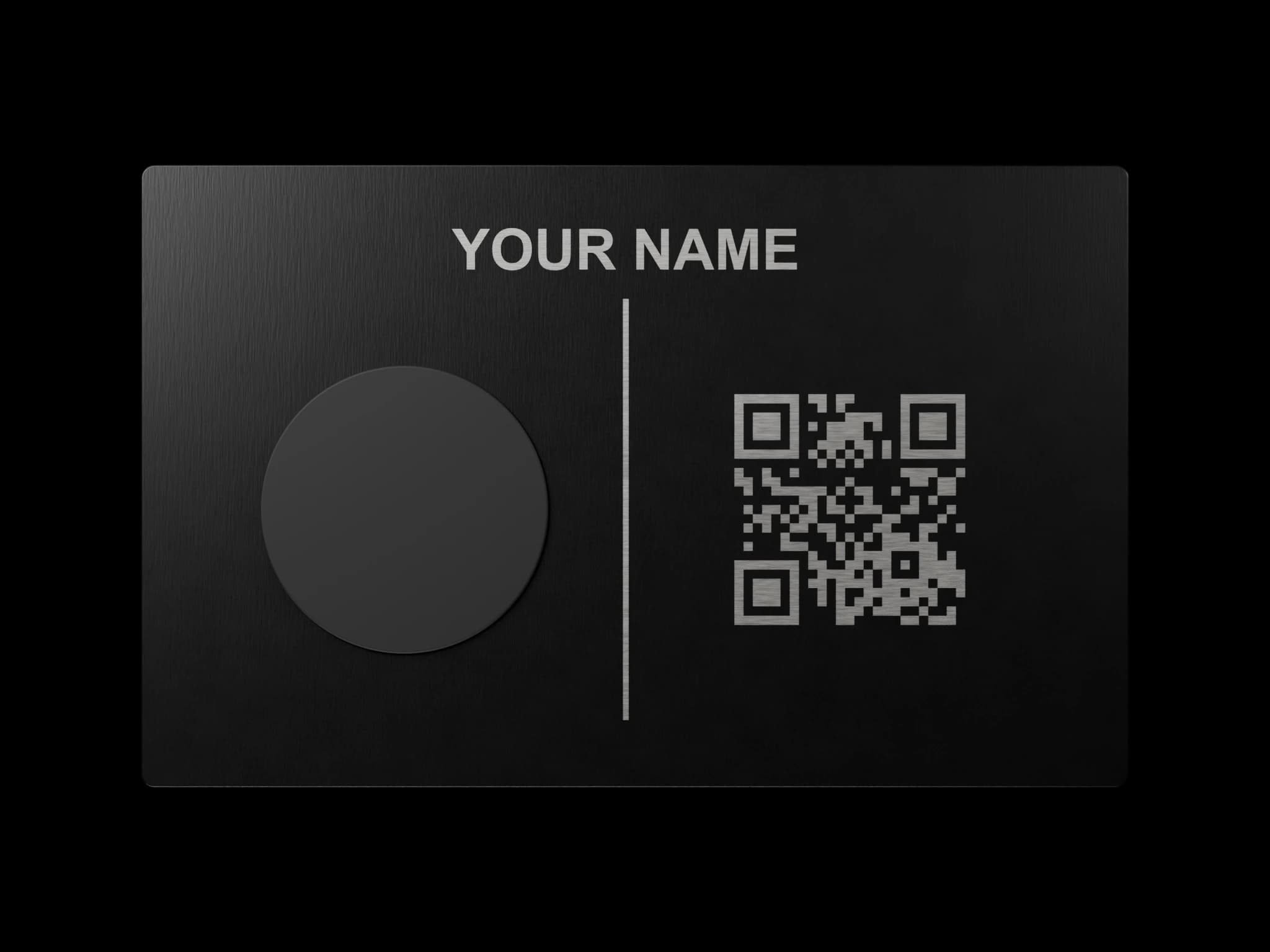
As one Canadian example, Pick Card offers custom engraved NFC business cards with an editable digital profile and free profile detail updates without a subscription. Its metal cards include an engraved QR backup, and customers approve a design proof before production.
When comparing providers, apply the same questions to each offer so you understand what the initial payment includes.
A useful comparison starts with the same requirements for every supplier. Write down the physical material, custom artwork, profile editing, backup sharing method and number of cards required. Then compare the total cost of meeting those requirements.
If you expect to use NFC business cards for several years, calculate a simple example over that period. Add the purchase price, mandatory recurring fees and any known delivery costs. Keep optional extras separate so they do not obscure the basic offer.
Check which features remain available without an upgraded plan. A profile may be included while team management, analytics or particular design options cost extra. Ask for a clear explanation of the features you actually plan to use.
Also ask about replacements and support. Losing a card, changing permanent artwork and updating online details are different requests. Comparing NFC business cards becomes easier when each supplier explains those situations separately, rather than describing everything as a single lifetime service.
5. Review the material and design proof
Metal and plastic cards can both suit everyday business use. The right choice depends on how you plan to carry, present and use the card.
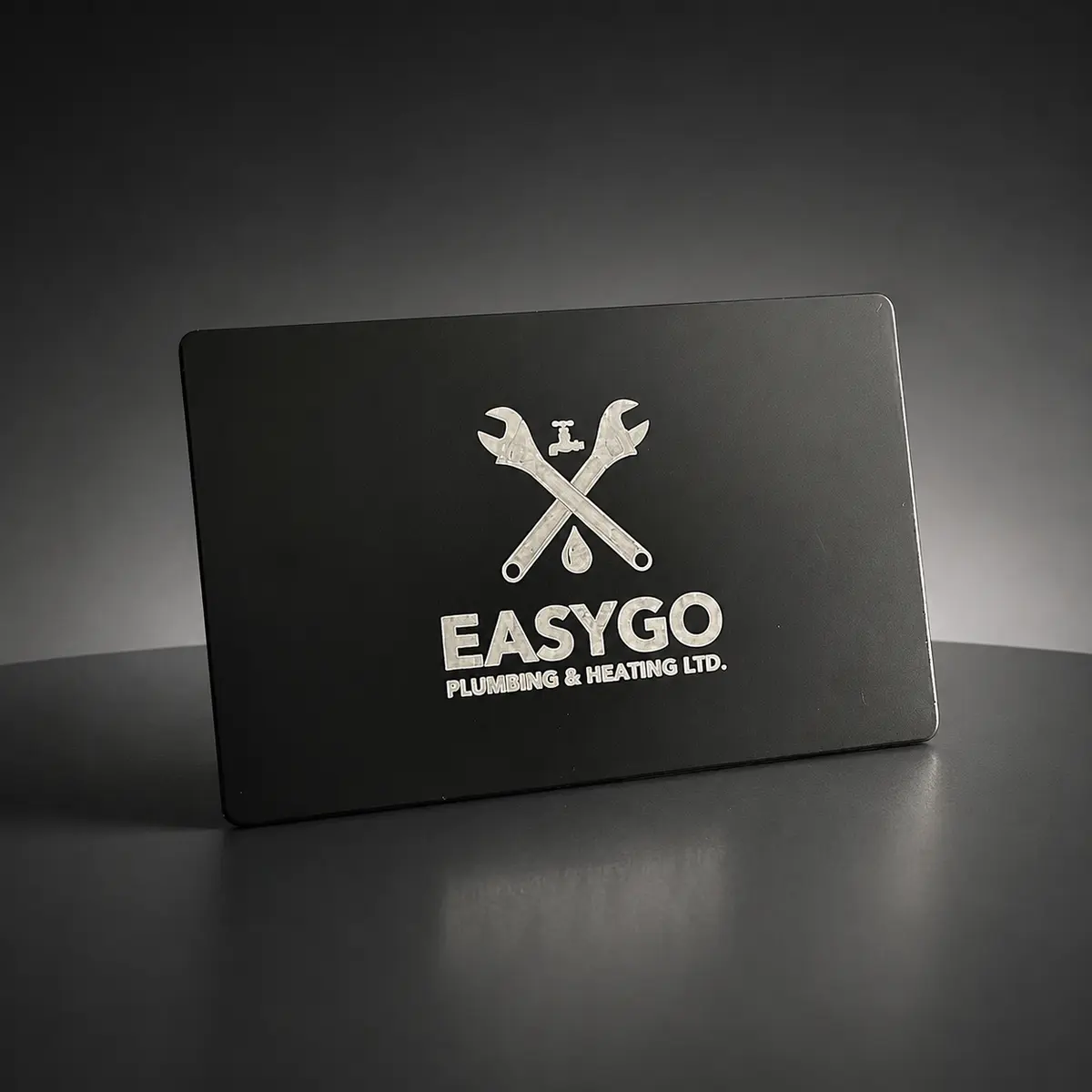
Look at photographs of finished customer work, including both sides. Check the layout, text size and position of the NFC area. Ask how the design will translate into the chosen material.
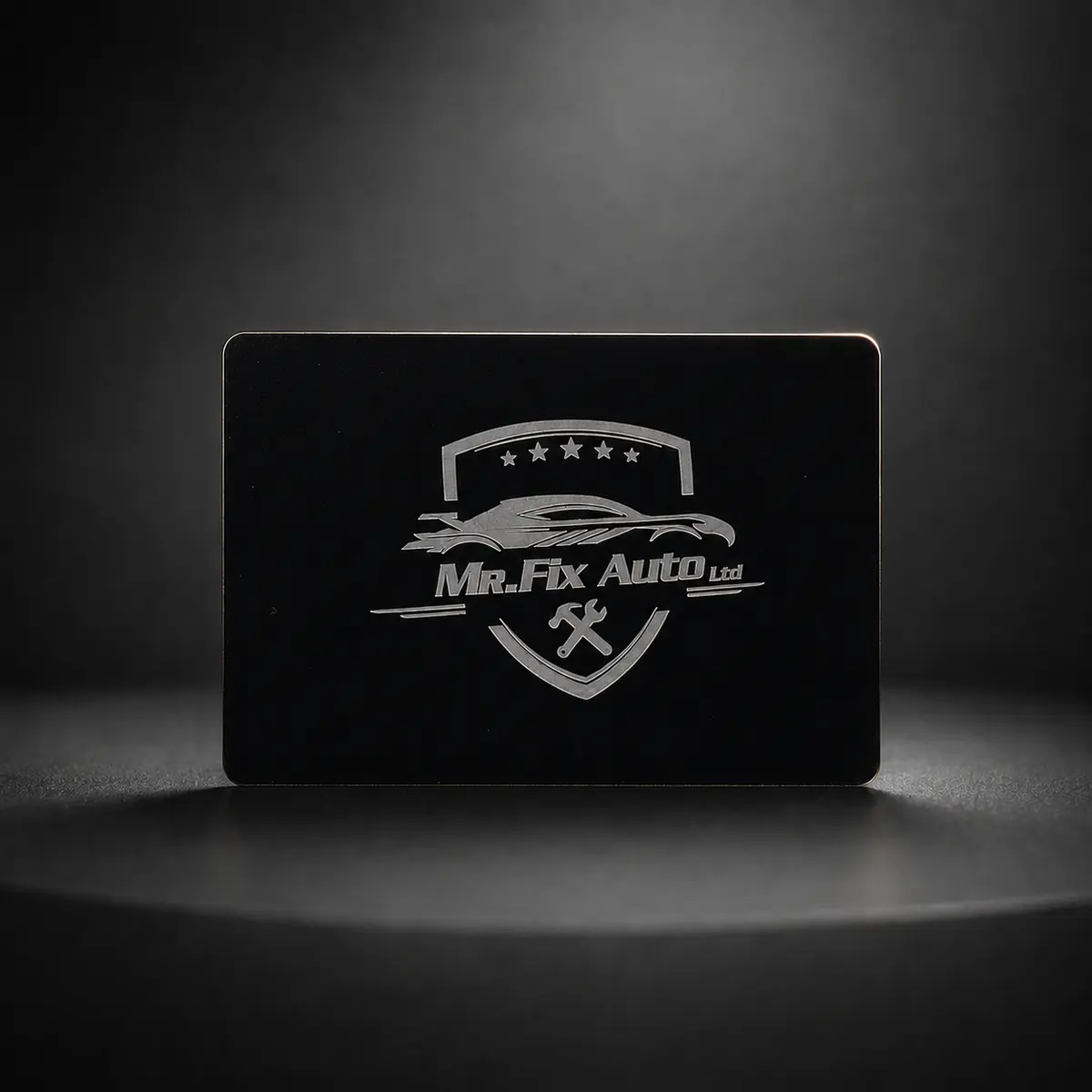
A detailed logo that looks clear on a large screen may be difficult to read at business-card size. Small lettering can create a similar problem.
A design proof gives you an opportunity to check spelling, spacing and placement before production. Review it carefully, especially where the physical details will be permanent.
Consider the setting in which the card will be used. Someone attending formal client meetings may favour a particular finish, while someone carrying a card around worksites may prioritise practical handling and an easily readable design. Neither choice removes the need to test the sharing experience.
When reviewing NFC business cards, look at the contrast between the background and the lettering. Check the proof at approximately the finished size, rather than only zooming in on a large display. Make sure the important words remain clear.
Ask whether the supplier can show work with a logo similar in complexity to yours. A simple wordmark and a detailed crest can create different design challenges. Discuss what can be adjusted before you approve permanent engraving or printing.
Keep the layout focused. NFC business cards do not need to reproduce every line of a website. A clear identity on the physical card and a useful profile on the phone can divide the information in a more manageable way.
6. Give people a backup to tapping
A smooth demonstration should not be your only plan.
Phone models, settings and reader positions vary. The person receiving your details may be unfamiliar with NFC or may prefer another method.
A QR code can provide an alternative when included, while a shareable profile link can be sent by message or email. For profiles hosted online, the recipient also needs internet access to load the page.
Practise with different phones before using your card at a meeting or event. Learn where to position the card and how to explain the process briefly.
A simple invitation such as “Would you like my contact details?” gives the other person a clear choice and makes the exchange feel natural.
Choose a short explanation that suits the recipient. “Hold your phone near this area, then open the notification” is easier to follow than a description of wireless standards. Point out the correct area of the card instead of moving it around without explanation.
Try NFC business cards with the phone cases and settings people normally use. Record any positioning advice that helps, and ask the supplier about difficulties you can reproduce. A short practice session is easier to manage than troubleshooting during a busy event.
If a QR code is included, check it separately with a camera. Make sure it opens the expected destination and that its printed or engraved details are clear. Do not assume that a successful tap also proves the QR code works.
Keep your profile address available to share directly. NFC business cards can support an introduction, but a message or email may suit the moment better. Offer the method the other person is comfortable using, and let them decide whether to save your information.
7. Make NFC business cards easy to trust
Treat your digital profile as a public business page.
Use an accurate business name, current contact details and a description that matches what you offer. Avoid publishing private information that customers do not need.
Check every link from a phone. Make sure the website loads, the email address is correct and any booking page still accepts enquiries.
Recipients should also check where unfamiliar links lead. The US Federal Trade Commission’s guidance on QR codes recommends inspecting the destination address before opening it, including looking for misspellings or substituted characters.
For businesses, a recognisable identity and a straightforward destination help make that check easier.
Use the same business identity across the physical card and the digital destination. If your logo, business name and description differ noticeably, a new contact may be unsure whether they have opened the correct page. Check that the wording accurately reflects your current services.
For NFC business cards, choose public contact details deliberately. A work email or business phone number may be more appropriate than a private contact channel. Only publish information that you are comfortable having someone revisit or share.
Ask the provider what visitor information it collects and where that is explained. If analytics are available, understand what the numbers represent. Opening a profile is different from saving a contact, making an enquiry or becoming a customer.
Maintain the account that controls NFC business cards with the same care as other business tools. Follow the provider’s security guidance, keep ownership details current and make sure the right person can request support. A clear process helps avoid confusion when responsibilities change.
8. Plan a useful follow-up
Sharing your details creates an opportunity to stay connected. You still need to give the other person a reason to continue.
During the conversation, agree on a useful next step. That might mean sending a quote, sharing examples of your work or arranging another meeting.
If they agree to receive a message, refer to something specific you discussed. A short, relevant follow-up is more useful than a generic sales pitch.
You can also review your own experience over time. Are people finding the right information? Do they understand how to save your details? Are the links supporting the conversations you actually have?
Use those observations to improve the profile.
Use the conversation itself to decide what follow-up would be helpful. If someone asks about a particular service, agree to send the relevant information. If they are only browsing, leave them an easy way to return when they are ready.
Do not treat a tap as permission to add someone to a marketing list. NFC business cards make your details accessible; they do not explain what messages the recipient wants from you. Ask before collecting contact information for a particular purpose.
A practical follow-up can be brief: remind the person where you met, refer to the issue they raised and provide the promised next step. Avoid sending a large collection of unrelated links when one answer would address the question.
Evaluate NFC business cards through the quality of those exchanges. Keep a simple note of useful conversations and enquiries rather than judging success only by profile views. The information can help you improve both the profile and the way you introduce your business.
9. Test the experience before your next meeting
An NFC business card works best when the physical card, digital profile and follow-up process fit together.
Choose a design you are comfortable presenting, understand the ongoing costs and make the most useful information easy to find. Test the experience before relying on it.
The aim is simple: when someone wants to contact your business after a good conversation, give them a clear path back to you.
Run a complete trial before your next event. Start with someone who has not seen the card, explain what you are offering and ask them to try the sharing process. Observe whether they can open the profile and find the main contact option without help.
Check NFC business cards on more than one compatible phone where possible. Test the QR alternative, the direct profile link and any contact download. Open the website, booking page and email buttons yourself so you know where each action leads.
After making a profile change, repeat the relevant checks. Confirm that the updated information appears and that permanent details on the card still make sense. Keep a short checklist so you can repeat the process without rebuilding it each time.
Finally, ask whether NFC business cards fit the way you actually meet customers. A reusable card may suit in-person introductions, while an emailed profile link may be more useful for remote enquiries. Choose a practical routine that supports both situations and remains easy to maintain.
For more coverage of tools and decisions affecting small companies, explore The News Hub’s business section and technology coverage.